Scroll-Stopping Rooms, for interior designers
100 AI Video Prompts for Interior Design Reels
Turn your finished projects into 20-second video ads that book clients. No videographer, and no faked walls.
Instant download from Whop.
Digital product, no refunds.
- 100
- copy-paste Seedance 2.5 video prompts
- 10
- ad stories, each told in 10 shots
- 16
- printable worksheets
- 0
- videographers or editing skills needed
You've tried it. The room melted.
Typing "video of a living room" into an AI tool gets you one of two results, and neither belongs on your feed.
It looks fake
Plastic light, walls that bend, a sofa that dissolves into the rug. Clients scroll straight past, or worse, they notice.
It isn't your room anymore
AI loves to "improve" things: a bigger window, an extra lamp, a door that wasn't there. That's not a portfolio, it's a problem.
Animate the camera. Never change the room.
Every prompt ends with a lock line that keeps your walls, windows and furniture exactly as you designed them. Only the camera, the light and small details move.
Walls, windows, doors, ceiling, floor and furniture stay exactly as in @Image 1. Nothing is added, removed or resized.10 ad stories, 10 shots each
Pick the one that fits the project you already have. Each chapter walks you through every shot.
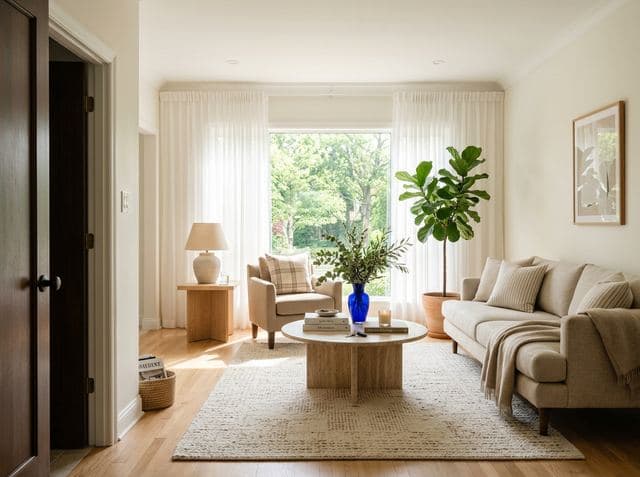 Chapter 01
The Swipe
Before and after, same walls, one satisfying reveal.
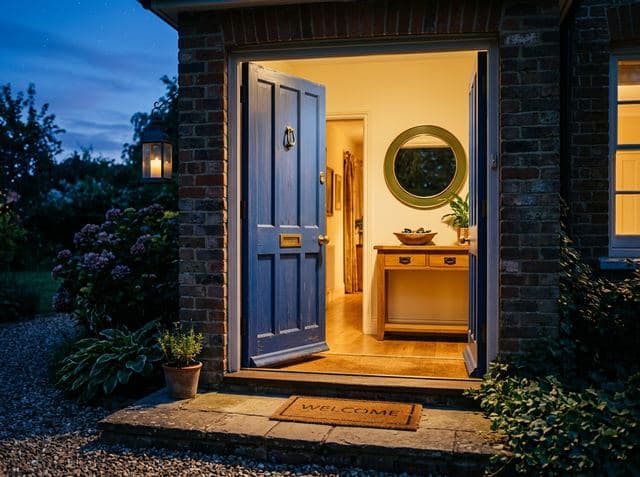 Chapter 02
Come In
A walkthrough from the front door to the best chair.
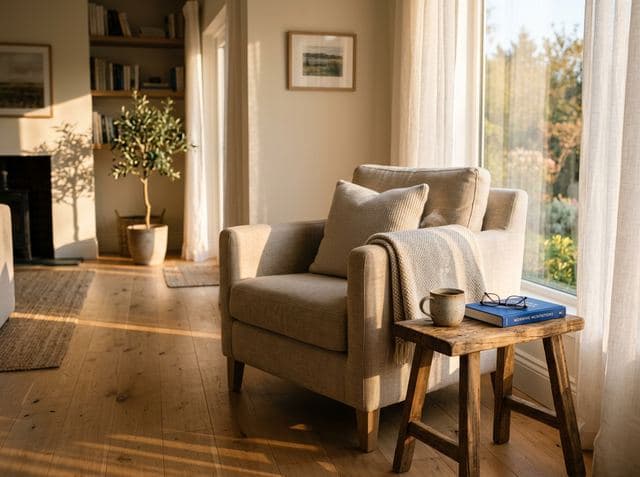 Chapter 03
6 AM to 11 PM
One room through a whole day of light.
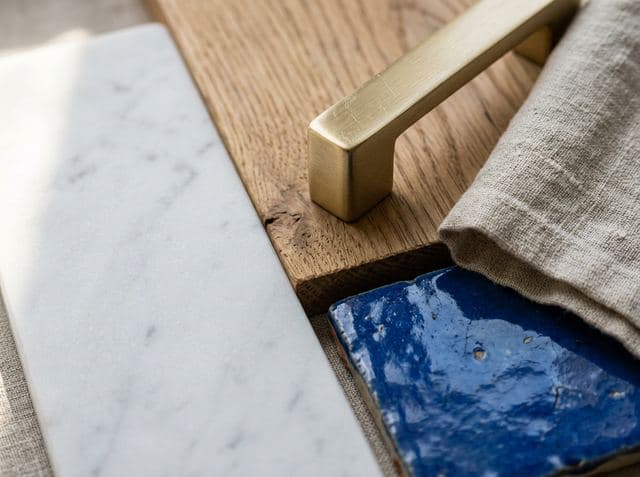 Chapter 04
Touch Test
Marble, oak, linen and brass, sound on.
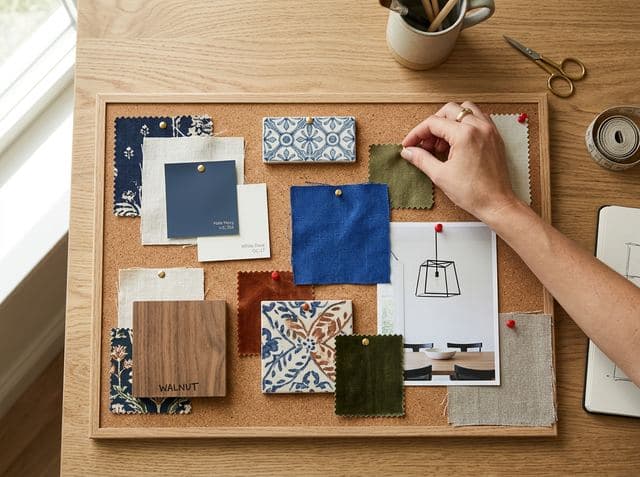 Chapter 05
From Pin to Room
Your mood board comes alive, swatch by swatch.
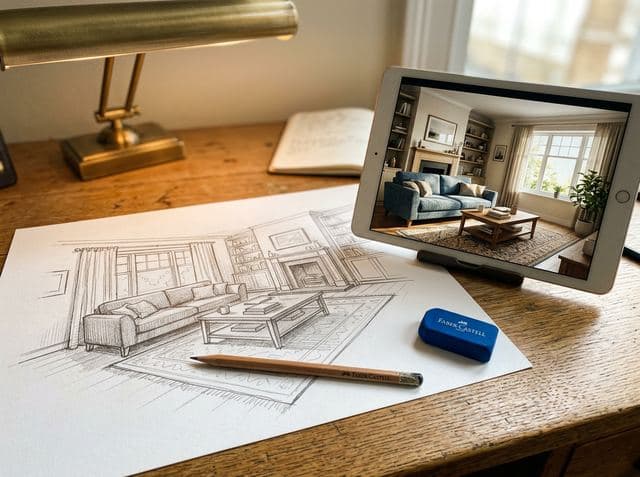 Chapter 06
Lines to Light
A pencil sketch becomes a photoreal room.
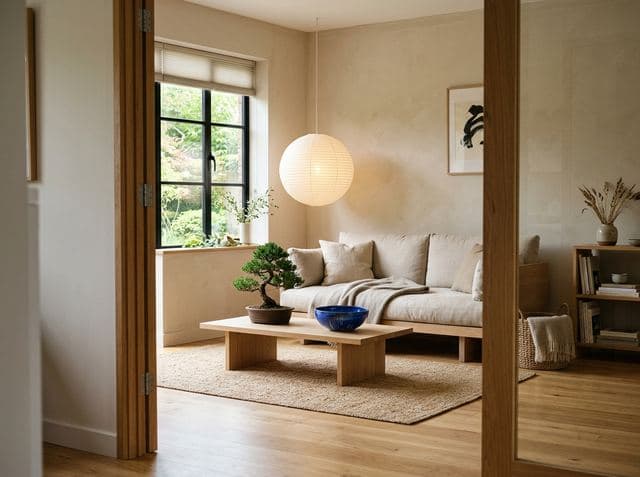 Chapter 07
Which One?
Same room, two styles. Viewers pick A or B.
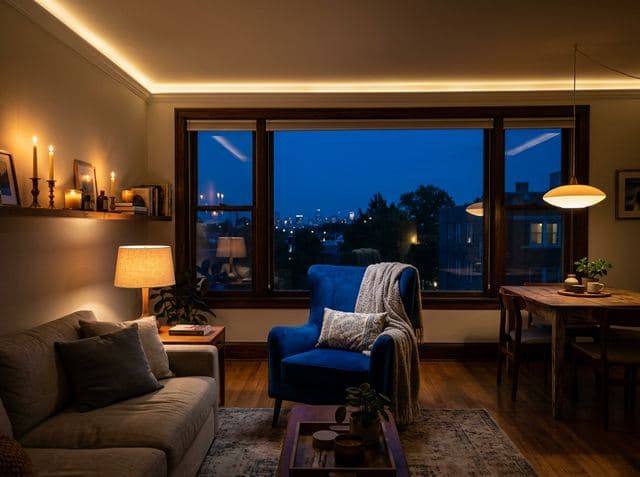 Chapter 08
After Dark
Noon to night, layer by layer of your lighting plan.
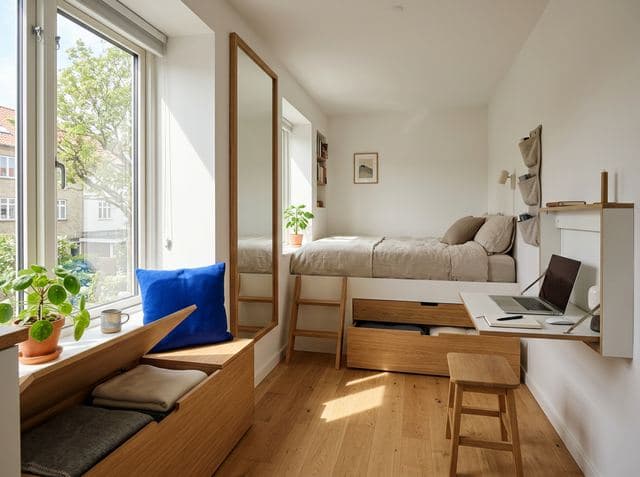 Chapter 09
It Fits
A cramped room, three clever fixes, the reveal.
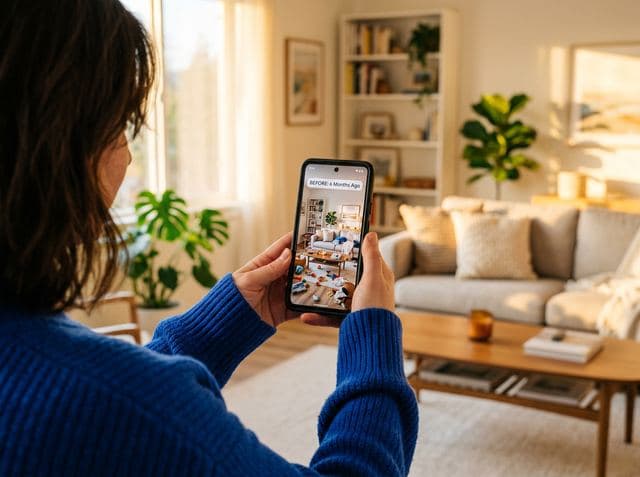 Chapter 10
Your Room, Next
The paid ad that books consultations.
Images are AI-generated illustrations of each ad type.
Three books. One job: your next ad.
Delivered as one ZIP: the Rooms in Motion guide, a prompt library you copy from, and worksheets you plan on.
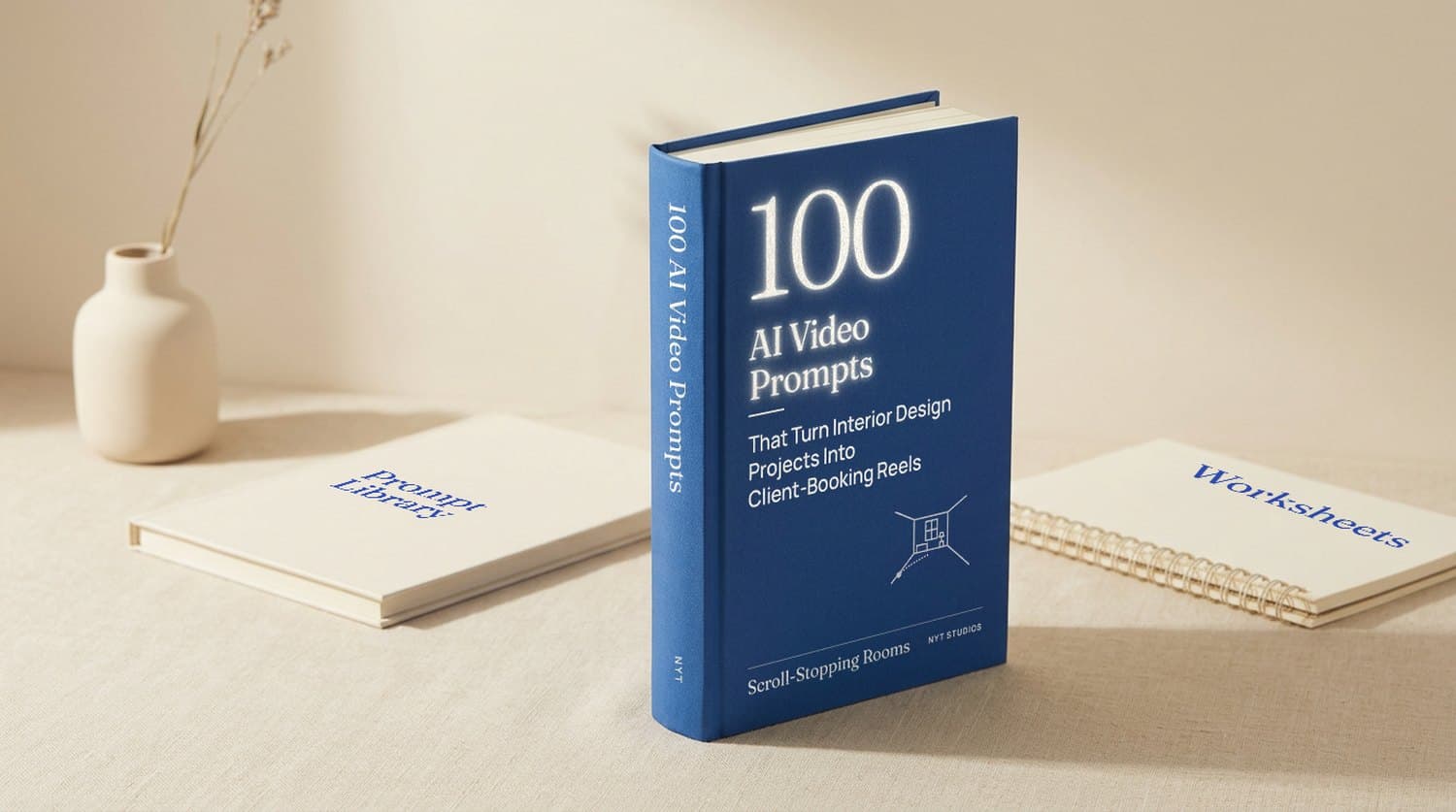
The guide
120 pages- 100 AI video prompts
- 10 ad types, each with a 10-shot story
- Image prompts for your start frames
- CapCut edit, captions and 3 hooks per ad
- Fix-it page, 30-day plan, glossary
Prompt Library
Word + text files- Every prompt in its own clean box
- Placeholders highlighted so none slip through
- Which images to upload for each shot
- Opens in Word or Google Docs
Worksheets
16 printable sheets- Room Brief and Permissions Check
- A shot sheet for every ad
- Clip Check Grid before you post
- Results Tracker for what works
Read a real prompt before you buy
Shot 5 of 100: the reveal from Chapter 1, The Swipe. Every prompt is written the same way, so the AI knows the space, the camera, the timing and the sound.
- Exact lens and camera move, one per shot
- Second-by-second action timing
- A lock line so your room never changes
- Sound effects only: you add music and text in CapCut
TASK: Image-to-video. @Image 1 is the exact first frame. One continuous shot, about 5 seconds.
ASSET MAPPING: @AFTER = @Image 1 - the finished (or concept) living room, same angle as the before photo. Use its walls, window, furniture, materials and styling exactly.
SCENE: The same room, redesigned, in soft late-morning daylight.
OPTICS: 84° diagonal field of view, rectilinear, verticals straight. Lens locked.
CAMERA: Eye level, starts 0.5 m inside the doorway and pulls straight back to the doorway over 5 seconds, ending on the same framing as the before shot.
ACTION TIMING: 0-5s: slow, even pull-back; the sheer curtain moves gently in a breeze. End state: the whole room in frame, centred on the window.
LIGHTING: Soft natural daylight from the window, warm bounce off the floor, gentle shadows under the furniture.
AUDIO: <a soft room-tone swell>, <light breeze>. No music, no narration, no subtitles.
POSITIVE CONSTRAINTS: Walls, windows, doors, ceiling, floor and furniture stay exactly as in @Image 1. Nothing is added, removed or resized. No people.
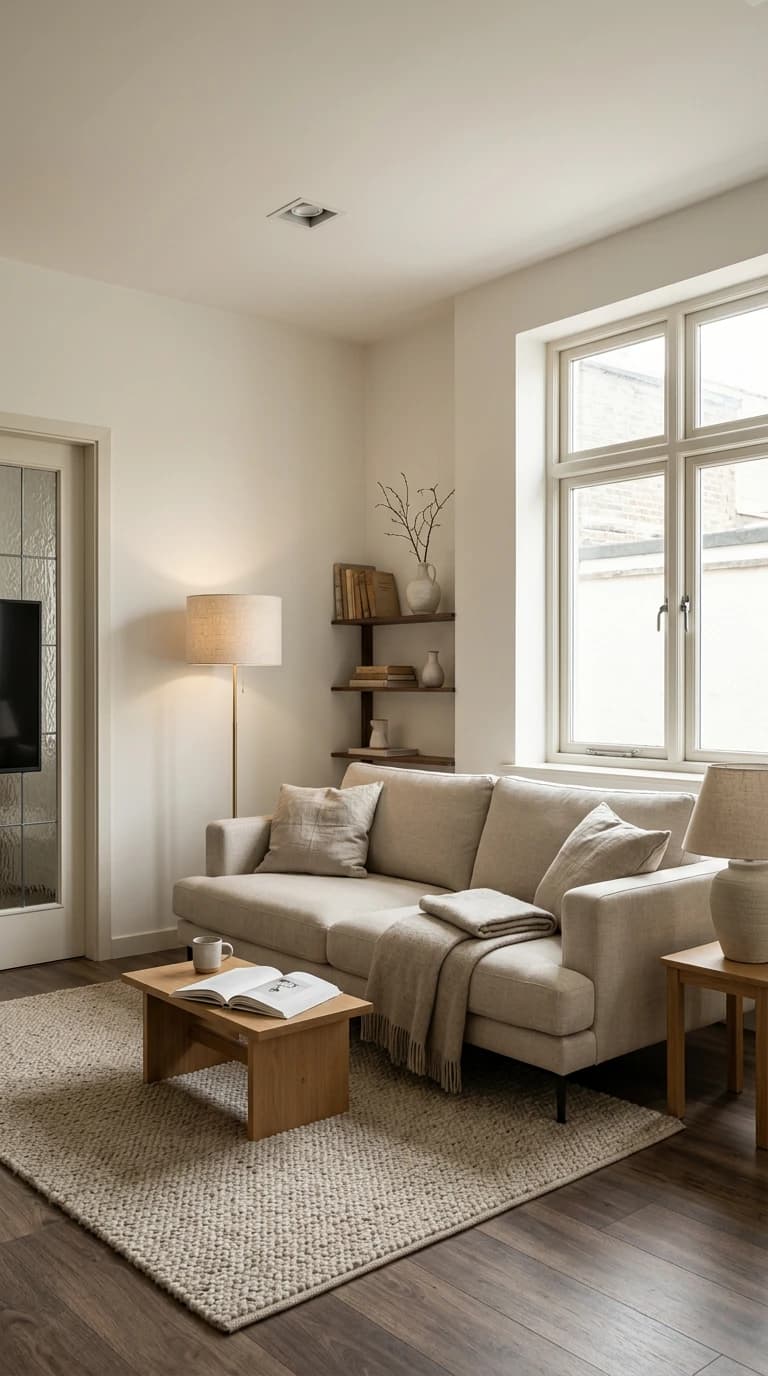
The photo in. The clip out.
We uploaded this photo as @Image 1 and ran the prompt above. On the right is the clip it made.
Your first ad takes an afternoon. Your third, about an hour.
Pick one ad
A simple picker matches the photos you already have to the right chapter.
Make your start images
Use your real photos, plus the image prompts where you need an "after" or a time of day.
Paste 10 prompts
Into Seedance 2.5, one shot at a time. Each clip is 4-5 seconds; you trim to 2-3.
Check, cut, post
A 30-second clip check, the CapCut edit, then the chapter's caption and hook.
Made for designers with work to show
A great fit if you
- Design homes and post on Instagram or TikTok
- Have finished photos, sketches, mood boards or concepts
- Want video but don't want to hire a videographer
- Can copy, paste and trim clips on your phone
Not for you if you
- Want a one-click app that makes the whole video
- Need to show rooms you didn't design
- Want prompts for Midjourney art rather than video ads
What you'll need
- ImagesNano Banana, ChatGPT or MidjourneyFor your start frames and "after" images.
- VideoSeedance 2.5On Higgsfield or another Seedance host. Every prompt is written for it.
- EditCapCutFree on phone and desktop. The kit walks you through each edit.
AI tools aren't included and are paid separately. Plan on a few dollars of credits per ad.
Not sure yet? Try a prompt free.
We'll email you one prompt from the kit. Make one clip and see how your room looks before you spend $9.
Before you buy
Something else? Email info@nyt-studios.com.
Do I need video editing experience?
No. If you can copy, paste and trim a clip on your phone, you can make every ad. The CapCut steps are written out for each chapter.
Which AI tools do I need, and what do they cost?
An image tool (Nano Banana, ChatGPT or Midjourney), Seedance 2.5 for video, and CapCut for editing. The tools aren't included. Expect a few dollars of AI credits per ad, and about 15 generations including retries. Prices change, so check each tool's website.
Will the prompts work with Kling, Veo or Runway?
They're written and structured for Seedance 2.5. The camera language may help elsewhere, but we haven't tested them in other tools, so we don't promise it.
Can I use photos of my clients' homes?
Yes, with permission. The kit includes a Permissions Check: written client consent, whether your photographer's licence covers ads and animation, and what to hide for privacy. It's practical guidance, not legal advice.
What format are the files?
A ZIP with the guide (PDF), the Prompt Library (Word document that opens in Google Docs, plus plain-text files) and the Worksheets (printable PDF).
How long does one ad take?
Plan an afternoon for your first one. Once you've made a few, about an hour per ad.
Can I get a refund?
No. It's an instant digital download, and results depend on third-party AI models we don't control. If your files never arrive or won't open, email us and we'll send them again.
Your rooms are ready to move.
Get the prompts$9Instant download from Whop. Digital product, no refunds.